Capable AI on the right equipment.
A modern model and hardware you own, chosen together for your work, team and budget. We check it on the tasks that matter to you and test updates before they reach your team.
Capable AI that runs on equipment your business owns, in your office. Your team gets its own private workspace. Outpost sets it up, trains your team and can keep it running.
Now in development in Waco, Texas. Customer installations have not started yet.

Your team’s prompts and files are processed on your own equipment. They are not sent to an outside AI provider to do the work.
Inside your office, on equipment you own
Only when you approve
No hidden cloud fallback. The core AI does not quietly switch to an outside service. Anything outside is your choice, with access and cost agreed first.
Support with permission. Routine care checks system health and backups. We open the content of your work only when you authorize it.
Backups you control. Backups are encrypted and kept under your control, with storage and recovery checks agreed during setup.
The equipment, AI and workspace brought together for your business, with people to help you get started.
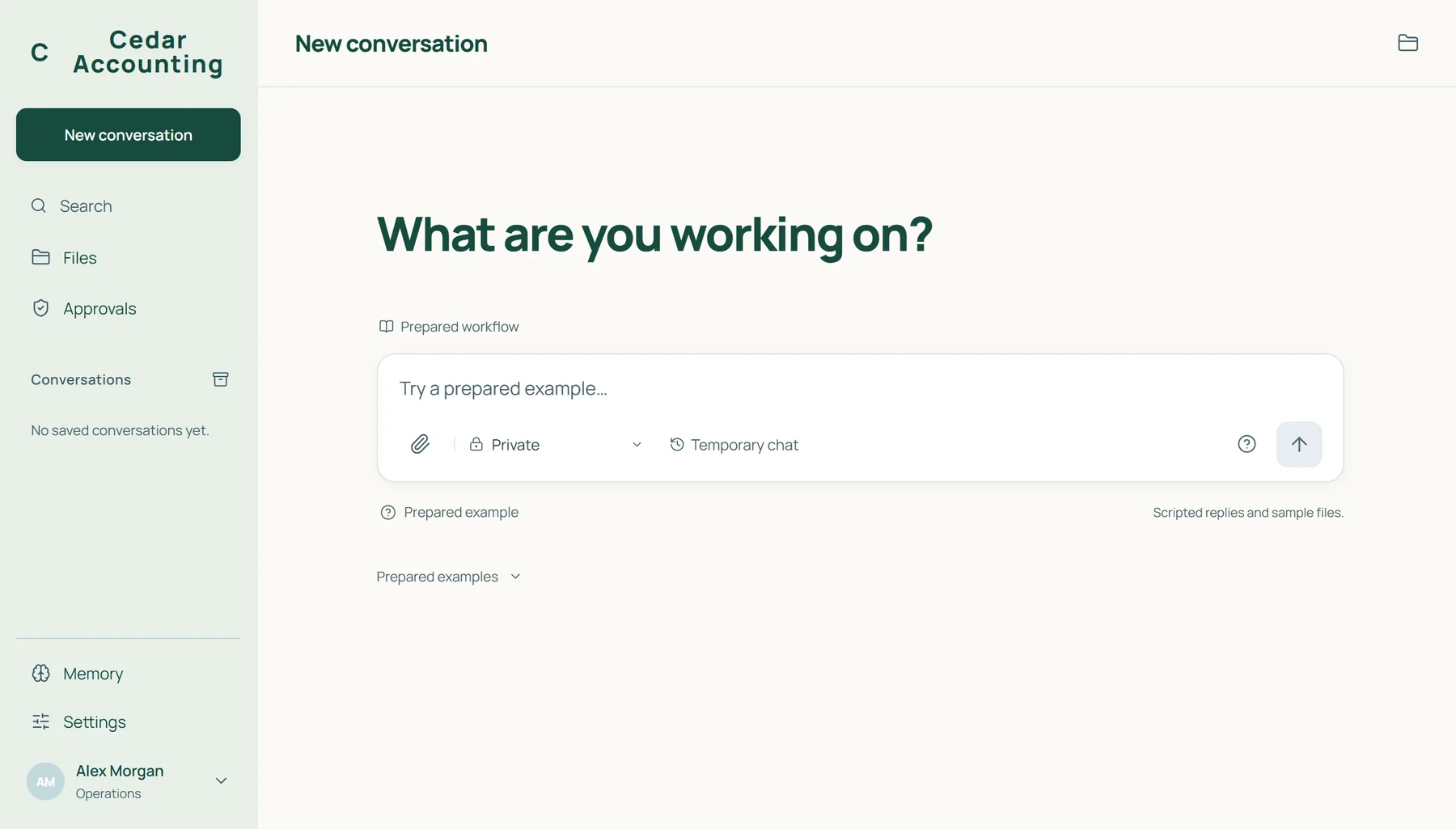
A modern model and hardware you own, chosen together for your work, team and budget. We check it on the tasks that matter to you and test updates before they reach your team.
Your branding, individual accounts and agreed access to business information, all through a familiar browser. Sign-in runs on your equipment too, so using it never depends on an Outpost login.
Installation, staff onboarding and an administrator handoff. We agree the access rules, backup arrangements and recovery checks as part of the setup.
Optional care covers system and backup checks, tested software and model updates, account help and support with agreed features. Support hours and response times are agreed with you.
We discuss your team, privacy needs and a work example without confidential information.
You get a proposal covering equipment, setup and optional care before anything is purchased.
We install the system, set up accounts, train your team and hand over administration.
EquipmentHardware your business buys and owns.
Setup & trainingAgreed in your proposal before anything is purchased.
Optional careA monthly plan for maintenance and support.
Quoted for your workload and team. Custom integrations, substantial automation and development are separate projects.Choose setup and handoff on its own, or add care. If you stop care, you keep the equipment, your data and the system. We hand over administration and remove our access. There is no switch that turns it off. Exact terms are written into your agreement.
Designed for small professional-service businesses in Waco and Central Texas.
Client and matter information your firm is trusted to protect.
Client financial records, payroll information and internal reports.
Client plans, proposals and proprietary project information.
Business information you want to use with AI on your own equipment.
For law firms. ABA Formal Opinion 512 and Texas Professional Ethics Committee Opinion 705 ask lawyers to vet AI tools for confidentiality and to check what they produce. Outpost keeps the core AI work on equipment your firm owns, and your attorneys still review the output. Outpost does not give legal advice or certify compliance.
Those plans generally say they do not train on your business data, and they suit many teams. Your prompts and files are still processed on the provider’s servers under its terms. With Outpost, the core AI work, your files and sign-in run on equipment your business owns, and you decide what connects outside. You own the system rather than renting access to someone else’s.
Writing, reasoning, comparing options, planning and report analysis. Examples include legal boilerplate from approved templates, client letters, proposals and financial summaries based on verified figures. We check your intended uses rather than promise that every workflow is already dependable.
We choose a powerful, modern model for your work and size the equipment to run it, then check it on your agreed tasks during setup. Software and model updates are tested before they reach your team. A model running in your office is not identical to the largest cloud services, and we do not promise every newest model.
Equipment, setup and training, and optional care are separate parts of a scoped proposal. Hardware follows your workload, team needs and budget. We quote for your team and the work you need it to do.
AI processing, sensitive files and sign-in stay on equipment your business controls. Your accounts and permissions decide who sees what. Staff working remotely and outside services you approve can receive information. We open the content of your work for support only with your authorization. Read the product privacy details.
That is the plan: staff sign in through an ordinary browser at your company’s own web address. Remote access is still being finished and security-checked before we offer it. Information viewed remotely lands on that person’s device, so device and access rules matter too.
Optional care covers agreed maintenance and support, including operational and backup checks, suitable updates, account help and supported features. It is not unlimited custom development or 24/7 support. Setup and handoff without ongoing care is a real option. If you stop care, you keep the equipment, your data and the system. Exact scope and exit terms are written into your agreement.
Yes. AI can miss context, invent details and reach the wrong conclusion. People need to check facts, calculations and commitments. Legal and financial work still needs appropriate professional review. Local hosting does not make an answer correct or establish regulatory compliance.
Not yet. Outpost is in development, and installation, equipment and security checks are underway. Customer installations have not started. The next step is a conversation about your needs and, when ready, a scoped evaluation using nonconfidential material.
Outpost is being developed by Nathan Hennigh in Waco, Texas.
Tell us one task your team has in mind. We’ll talk through what a private AI setup could look like in your office and what you’d need to get started.
Let’s talk private AIEmail us at [email protected].
Save the setup questionsPlease leave confidential details out of your first email.